Hot Tips
- To see what is new in this version of CodeSonar, see the
Release Notes.
- CodeSonar uses a Role Based Access Control
(RBAC) scheme to restrict access to information and
functionality.
- The security
dashboard provides an overview of current hub security
settings, with links to functionality for changing those
settings.
- You can check program
paths for warning feasibility and taint propagation.
- The Analysis page includes
a File Explorer,
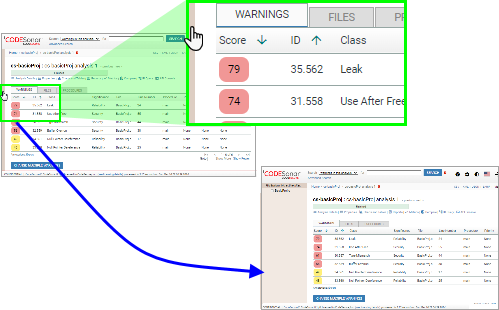
allowing you to restrict the contents of any Analysis page tab to a
single source file or directory tree.
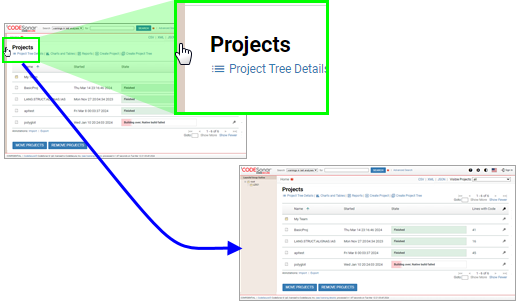
- GUI Home / Project Tree pages
provide a Project Tree
Outline for orientation and navigation.
GUI Analysis Cloud /
Launchd Group pages have an analogous Launchd Group
Outline.
- You can search in any of
eight different domains: warnings, files, code, metrics,
procedures, analyses, projects, and users.
- The CodeSonar analysis computes metrics. You can view and chart the computed values in the GUI, and
implement custom
metrics.
- If you are upgrading, you may want to see how the upgrade
affected your analysis results.
- For users who want to perform a more thorough
analysis (with associated time and space costs), we offer some
recommended configuration file
settings.
- CodeSonar can check for violations of MISRA guidelines:
MISRA C:2023, MISRA C:2012,
MISRA C:2004 and MISRA
C++:2023, MISRA C++:2008, the "Power of 10" programming
rules for safety-critical programming, and the rules in the
JPL Institutional Coding
Standard for the C Programming Language.
- You can configure your hub to use one or more third-party authentication
services.
- There are several ways to extend CodeSonar to check for
domain-specific properties.
- We provide step-by-step instructions for typical CodeSonar tasks, along with detailed
tutorials that
introduce key CodeSonar features.
- Check out the CodeSonar HTTP
API.