JavaScript is not currently enabled, but is required for full CodeSonar manual search and browse functionality.
If you are viewing this file in your hub's Web GUI, enable JavaScript in your browser: you will also need it for GUI functionality.
If you opened this file directly from disk, your browser may be directly suppressing JavaScript functionality: certain browsers perform this suppression on local files (but not files delivered by web servers) for security reasons.
| CodeSonar® 9.0p0 Hot Tips | CONFIDENTIAL | CodeSecure Inc |
When you have a project that you have been periodically analyzing with CodeSonar over the course of development, the list of all the analyses that have been carried out on the project provides useful information such as:
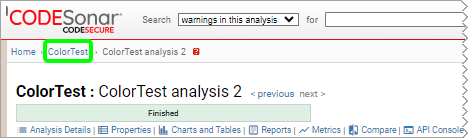
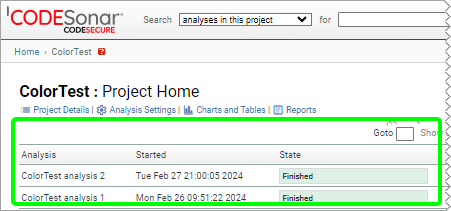
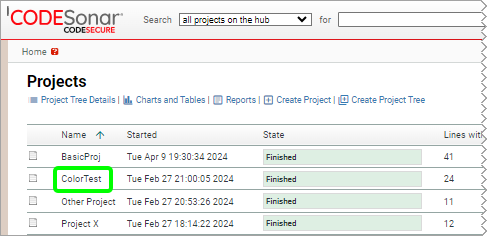
The list of all analyses for a project is located on the Project page. If you know the Project ID, you can navigate directly to the page via the URL /project/project_id.html. Otherwise:
The table of analyses for the project is now visible.