
JavaScript is not currently enabled, but is required for full CodeSonar manual search and browse functionality.
If you are viewing this file in your hub's Web GUI, enable JavaScript in your browser: you will also need it for GUI functionality.
If you opened this file directly from disk, your browser may be directly suppressing JavaScript functionality: certain browsers perform this suppression on local files (but not files delivered by web servers) for security reasons.
| CodeSonar® 9.0p0 Hot Tips | CONFIDENTIAL | CodeSecure Inc |
Deleting a project tree T removes all the information associated with T:
Because removing a project tree deletes all this information, it is generally not recommended. Exceptions are the following cases.
This task describes the method for deleting a single project tree. If you wish to delete multiple project trees, or a combination of projects and project trees, see Task: Delete Multiple Projects or Project Trees (or both).
The following permissions are required in order to delete a single project tree T in the manner described here.
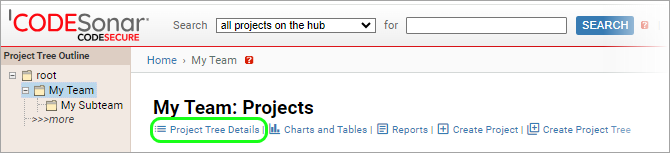
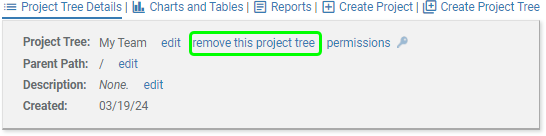
To delete a single project tree: