Task: View A Warning Report

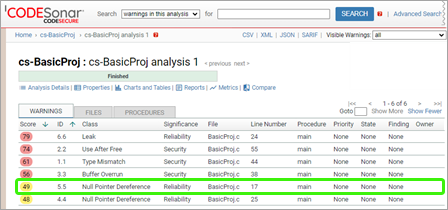
Once CodeSonar has analyzed a project, the warnings issued need to be evaluated. Sometimes the class and location information in the Analysis page warning table is sufficient to identify obvious (in retrospect) bugs, but in most cases the user will need the detail provided by a Warning Report.


Permissions Required

You will need the following permissions for the analysis A that issued the warning.

View a Warning Report

  1. Identify the warning whose report you want to examine.
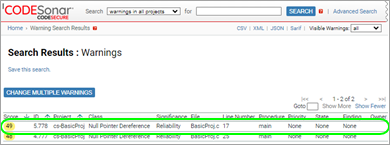
  2. If you are not already looking at a warning table that contains the warning as an entry, then find one now:
  3. Click on the table line containing the warning you are interested in.

CodeSonar will display the warning report.

Example

To view the report for the warning with Instance ID 365 (assuming it exists):

  1. Perform a global, full-text search for "365".
  2. In the Search Results table, find the entry for warning the warning with Instance ID 365.
  3. Click on that entry.

Links

Related tasks

Using CodeSonar